LiLo Brand Studio
Your email signature
This is a single image, so it looks identical in Gmail, Outlook, and on your phone. Add it as a picture, then link the whole picture to your booking page.
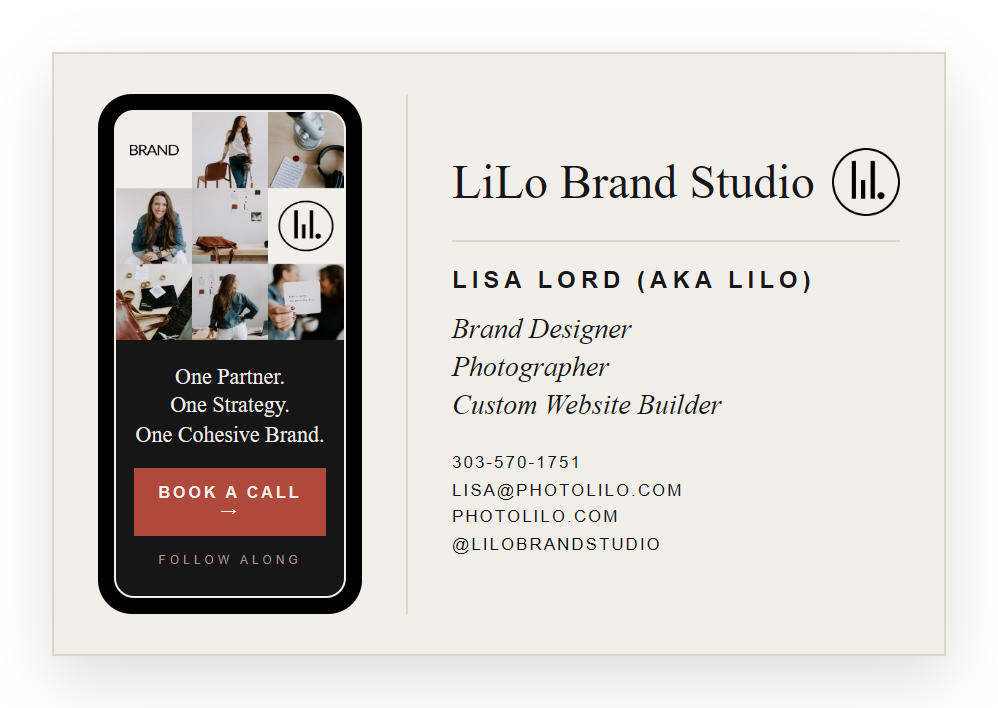
The link to wrap your image with (your booking page):
https://lilophotography.hbportal.co/public/65abf3aff8ee2603601c6158
Outlook
Add it in Outlook
- Click Download image above to save the picture.
- Open your signature settings. New Outlook or Outlook.com: Settings gear, then Accounts, then Signatures. Classic Outlook: File, Options, Mail, Signatures.
- Click New, name it, then click the picture icon and insert the downloaded image.
- Click the image once to select it, then click the link icon (or press Ctrl+K).
- Paste your booking link (copied above) and click OK.
- Set it as default for new messages and replies, then Save.
Gmail
Add it in Gmail
- Click Download image above to save the picture.
- In Gmail, click the gear icon, then See all settings.
- On the General tab, scroll to Signature and click Create new.
- Click the image icon in the signature toolbar and upload the downloaded picture.
- Click the image, choose Link, and paste your booking link (copied above).
- Set it as default for new emails and replies, then Save Changes.
Because it is one image, the whole thing links to your booking page. Instagram and your website are not separately clickable in this version, that is the trade for it looking perfect in Outlook. When we build the interactive card later, all the links come back. Any change to the design, come back and download the new image. Questions, just ask.